
Write 2× faster with AI-powered voice
Write 2× faster with AI-powered voice
Dictate naturally, auto-format your text, fix mistakes instantly, and write across apps without touching your keyboard
Download for Mac
Write 2× faster with AI-powered voice
Dictate naturally, auto-format your text, fix mistakes instantly, and write across apps without touching your keyboard
Download for Mac
Problem: Typing is Slow
Problem: Typing is Slow
A simple three-step flow that turns your voice into perfectly formatted text across any application.
A simple three-step flow that turns your voice into perfectly formatted text across any application.
The Bottleneck
Most people speak 3-4x faster than they type. Your keyboard is physically limiting how fast you can capture your ideas
Most people speak 3-4x faster than they type. Your keyboard is physically limiting how fast you can capture your ideas
0 WPM
45 WPM
200 WPM
0 WPM
45 WPM
200 WPM
Speed
Speed
45 WPM
45 WPM
The Unfair Advantage
Wisprnote captures 150+ words per minute with perfect accuracy, freeing you to focus on the quality of your content, not the mechanics of typing.
Speed
Speed
150 WPM
150 WPM
0 WPM
150 WPM
200 WPM
0 WPM
150 WPM
200 WPM
0 WPM
150 WPM
200 WPM
Get Started in Seconds
Get Started in Seconds
Get Started in Seconds
A simple three-step flow that turns your voice into perfectly formatted text across any application.
A simple three-step flow that turns your voice into perfectly formatted text across any application.
Download The App
Download The App
Install the lightweight client for Mac or Windows
Install the lightweight client for Mac or Windows
Press The Magic Key
Tap your chosen hotkey in any application to start listening
Srart Speaking
Watch your words appear instantly, perfectly formatted
Paste The Magic Key
Tap your chosen hotkey in any application to start listening

Start Speaking
Watch your words appear instantly, perfectly formatted

Works Where You Work
Works Where You Work
Works Where You Work
A simple three-step flow that turns your voice into perfectly formatted text across any application.
A simple three-step flow that turns your voice into perfectly formatted text across any application.
Everything You Need To Write Faster
Everything You Need To Write Faster
A simple three-step flow that turns your voice into perfectly formatted text across any application.
A simple three-step flow that turns your voice into perfectly formatted text across any application.
Works Everywhere
Works Everywhere
Integrates seamlessly with every application on your Mac or PC, from simple notes to complex code editors
Instant Processing
0.02
sec
Real-Time latency
Lightning fast
Lightning fast
Experience zero-latency transcription that keeps up with your train of through, no matter how fast you speak
meeting notes project alpha launch date set for q4 budget approval pending need to hire 2 engineers
action items
review design mocks
update marketing copy
schedule team sync
Intelligent formatting
Intelligent formatting
We automatically handle punctuation, capitalization, and spacing so you can focus purely on your ideas
Nickname
Jargon
Acronym
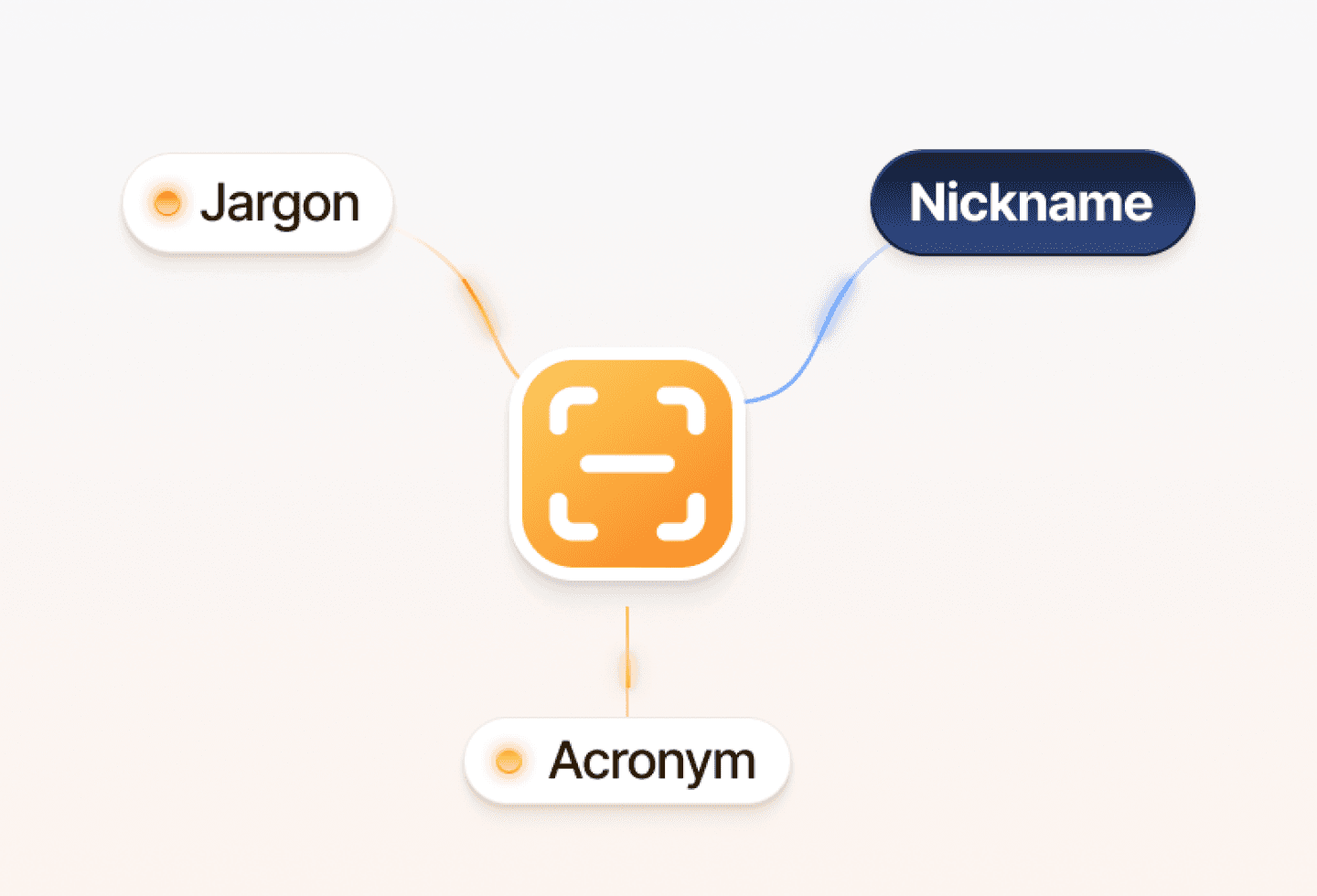
Personalized dictionary
Personalized dictionary
Teach Wisprnote your acronyms, names, and industry jargon for perfect accuracy every time without any mistake.


Private by design
Private by design
Your voice is processed locally on your device. Your data never leaves your machine, ensuring total privacy.
Marhaba
Hello
こんにちは
Bonjour
Global fluency
Global fluency
Support for over 50 languages and dialects, allowing you to switch contexts and languages effortlessly.
Simple, Transparent Pricing
Start for Free. Upgrade when you’re ready
Monthly
Yearly 20% off
Starter
$0/month
Ideals for individuals or small teams exploring task management basics
Download for Free
5,000 words per minute
Standard punctuation
Universal app support
Mac and Windows
Pro
Most Popular
$8/month
Build for teams than need speed, structure, and real time colaboration
Start 14-day Trial
Unlimited words
Smart voice commands
Custom vocabulary
Priority Email Support
Offline Processing
Simple, Transparent Pricing
Start for Free. Upgrade when you’re ready
Monthly
Yearly 20% off
Starter
$0/month
Ideals for individuals or small teams exploring task management basics
Download for Free
5,000 words per minute
Standard punctuation
Universal app support
Mac and Windows
Pro
Most Popular
$8/month
Build for teams than need speed, structure, and real time colaboration
Start 14-day Trial
Unlimited words
Smart voice commands
Custom vocabulary
Priority Email Support
Offline Processing
Loved By Creators
Loved By Creators
Join thousands of writers, developers, and founders
Join thousands of writers, developers, and founders
"The privacy aspect was non negotiable for me. Knowing everything runs locally makes this the only dictation tool I can use for legal work."

Elena R.
Legal Consultant
"The privacy aspect was non negotiable for me. Knowing everything runs locally makes this the only dictation tool I can use for legal work."
Tanjim Ahmed
Legal Consultant
"The privacy aspect was non negotiable for me. Knowing everything runs locally makes this the only dictation tool I can use for legal work."
Elena R.
Legal Consultant
"The privacy aspect was non negotiable for me. Knowing everything runs locally makes this the only dictation tool I can use for legal work."
Elena R.
Legal Consultant
"The privacy aspect was non negotiable for me. Knowing everything runs locally makes this the only dictation tool I can use for legal work."
Elena R.
Legal Consultant
"The privacy aspect was non negotiable for me. Knowing everything runs locally makes this the only dictation tool I can use for legal work."
Elena R.
Legal Consultant
"The privacy aspect was non negotiable for me. Knowing everything runs locally makes this the only dictation tool I can use for legal work."
Elena R.
Legal Consultant
"The privacy aspect was non negotiable for me. Knowing everything runs locally makes this the only dictation tool I can use for legal work."
Elena R.
Legal Consultant
Frequently Asked Questions
Frequently Asked Questions
Here are answers to the most common things people ask before getting started.
Here are answers to the most common things people ask before getting started.
Will those work by specific app?
Yes. Wispernote acts as a keyboard input layer for your operating system. Whether you’re in Notion, Slack , VS Code, or a custom enterprise tool, if you can type there you can dictate there
Is my voice data private?
How accurate is it really?
Do I need a professional microphone
Can I cancel easily?
Will those work by specific app?
Yes. Wispernote acts as a keyboard input layer for your operating system. Whether you’re in Notion, Slack , VS Code, or a custom enterprise tool, if you can type there you can dictate there
Is my voice data private?
How accurate is it really?
Do I need a professional microphone
Can I cancel easily?
Will those work by specific app?
Yes. Wispernote acts as a keyboard input layer for your operating system. Whether you’re in Notion, Slack , VS Code, or a custom enterprise tool, if you can type there you can dictate there
Is my voice data private?
How accurate is it really?
Do I need a professional microphone
Can I cancel easily?
Experience the future of writing
Experience the future of writing
Dictate naturally, auto-format your text, fix mistakes instantly, and write across apps without touching your keyboard
Dictate naturally, auto-format your text, fix mistakes instantly, and write across apps without touching your keyboard
Download for Mac
The intelligent voice layer for your operating system. Designed for speed, built for privacy.
Product
Product
Features
Pricing
Download
Company
Company
About
Blog
Careers
Legal Terms
Legal Terms
Terms & Conditions
Privacy Policy